How to edit reaction videos
Learn how to create a reaction video for YouTube or social media for free using a...
Create YouTube videos with video templates, free stock media, graphics, subtitles, and AI editing tools in Clipchamp. Save in high quality with no watermark.
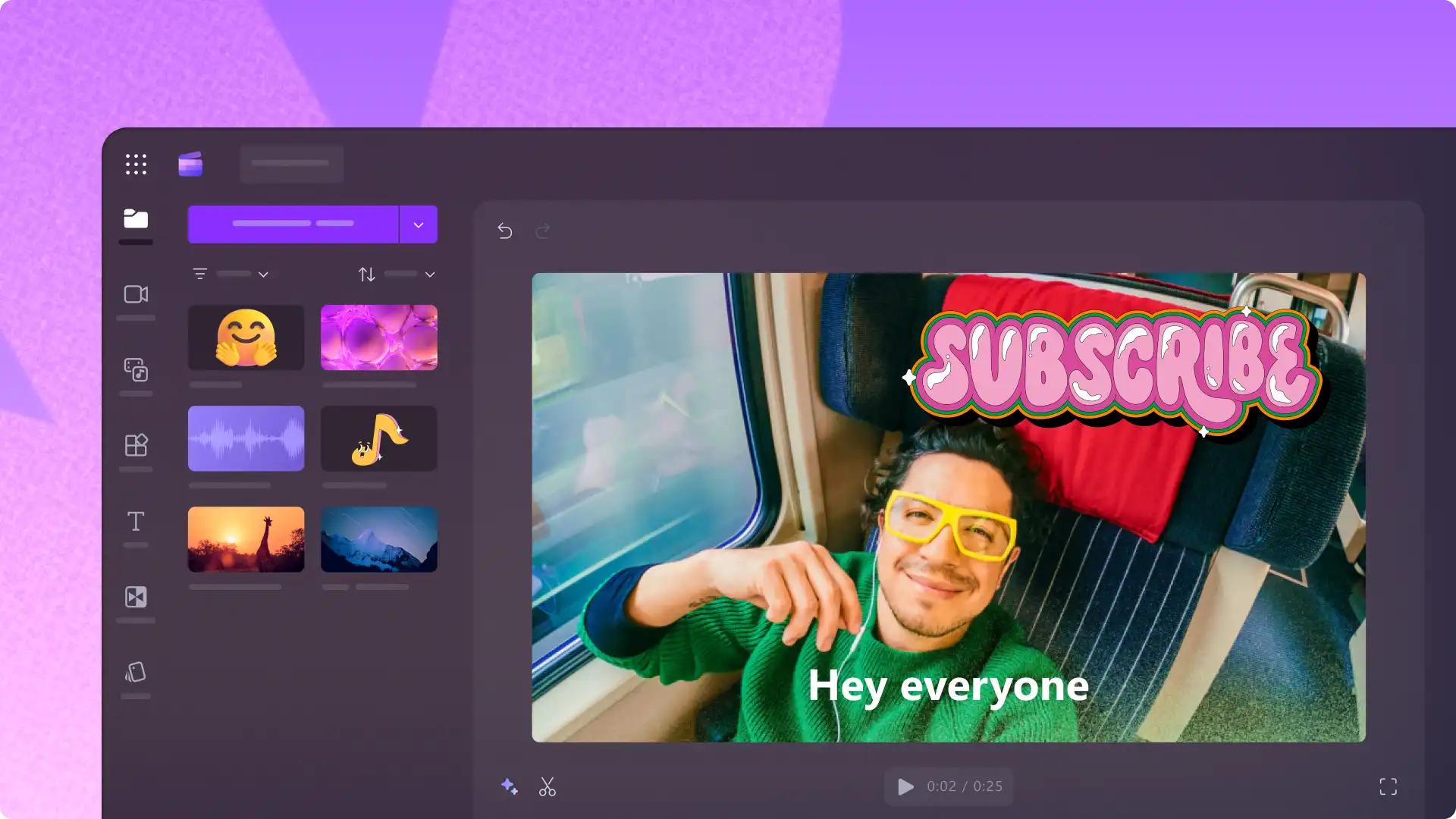

Start with original footage or select a trendy YouTube video template to make eye-catching content, no experience required. Drag, drop, and customize using themed stock videos, original music, and ‘like and subscribe’ stickers. Publish videos directly to YouTube.

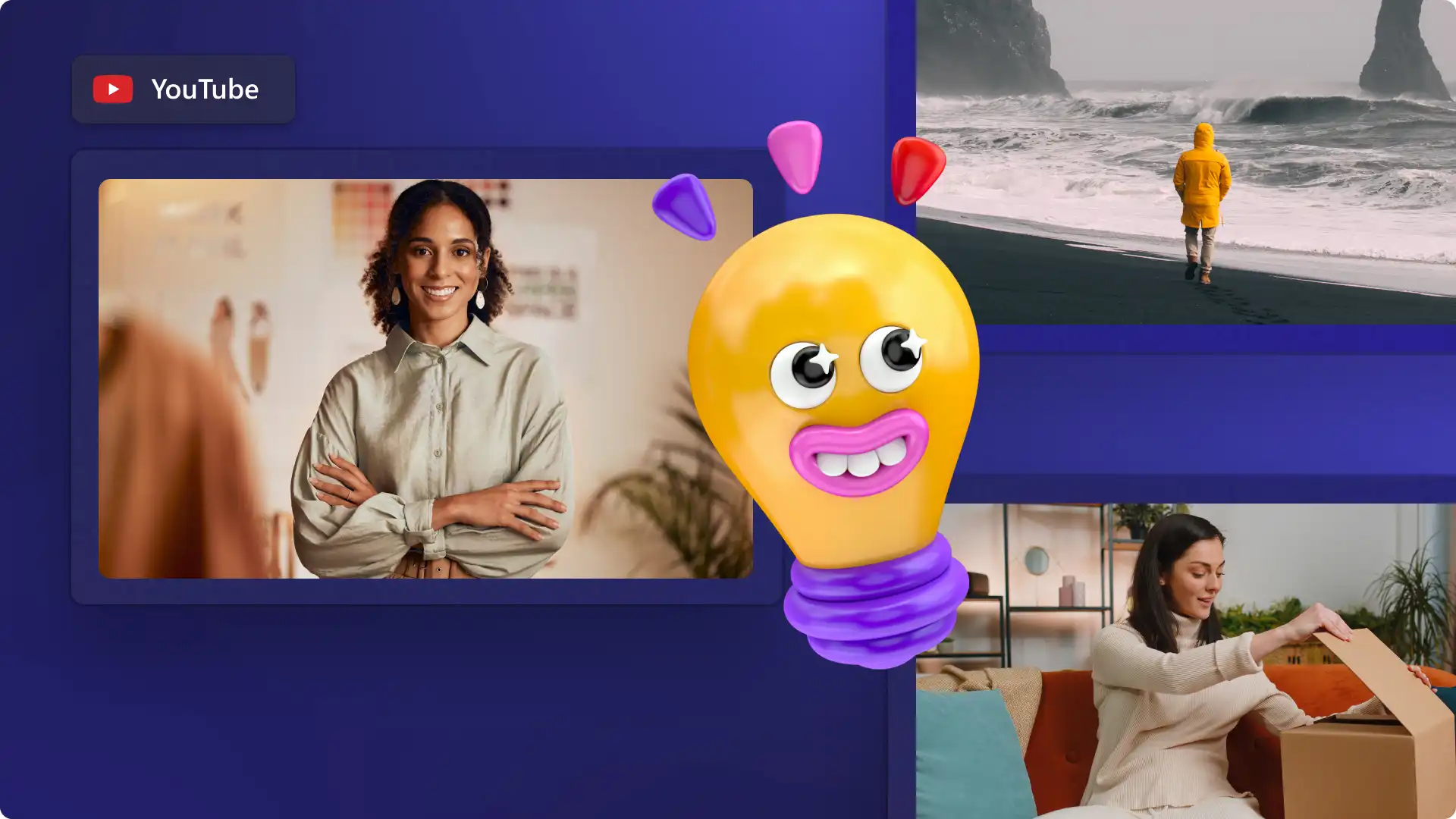
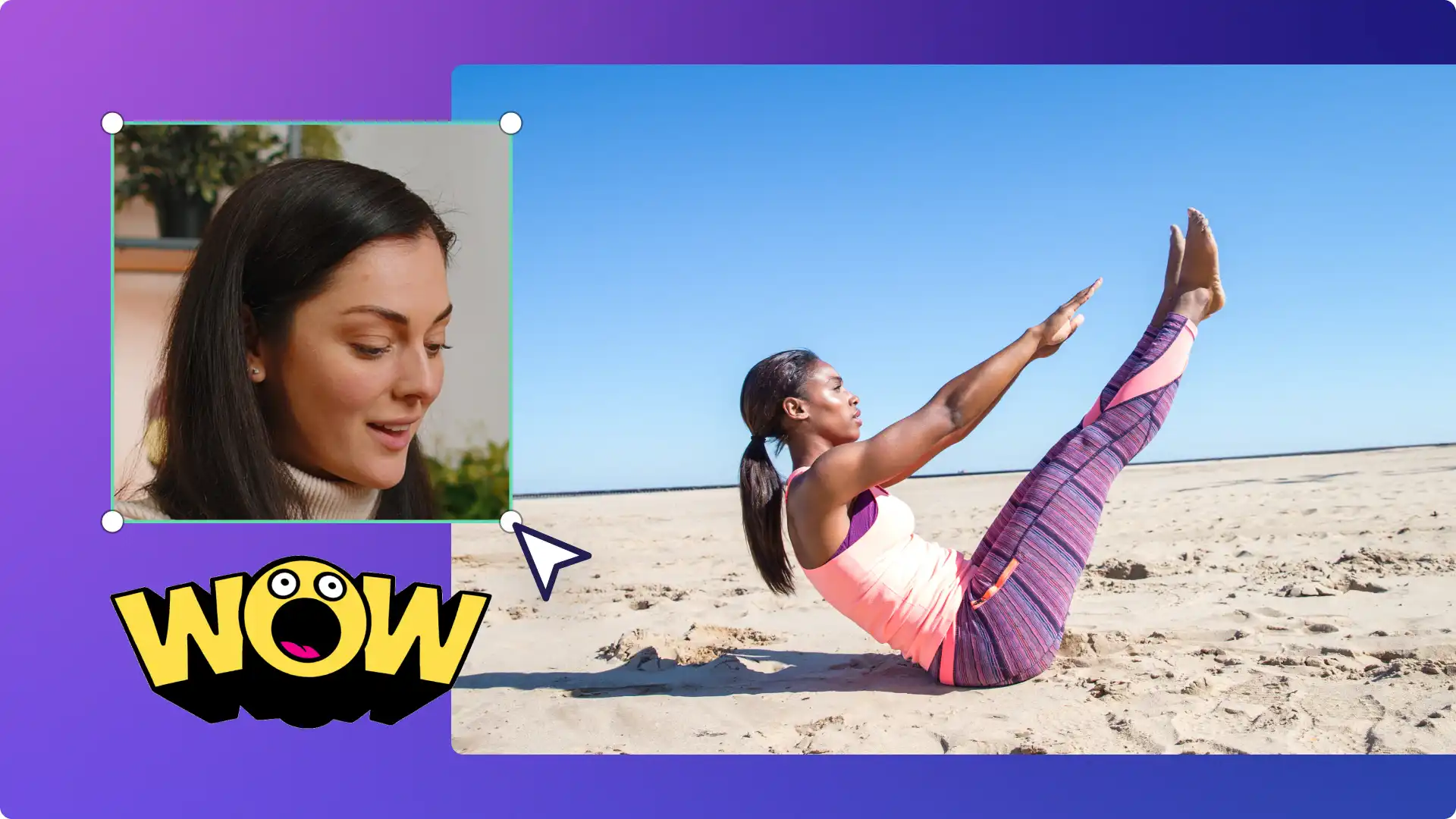
Combine footage, add face overlays, or put videos side-by-side to suit any YouTube needs. Wow viewers with animated text, bold transitions, and slow zoom effects. Save logos, colors, and fonts once, then apply them to any video using the brand kit.

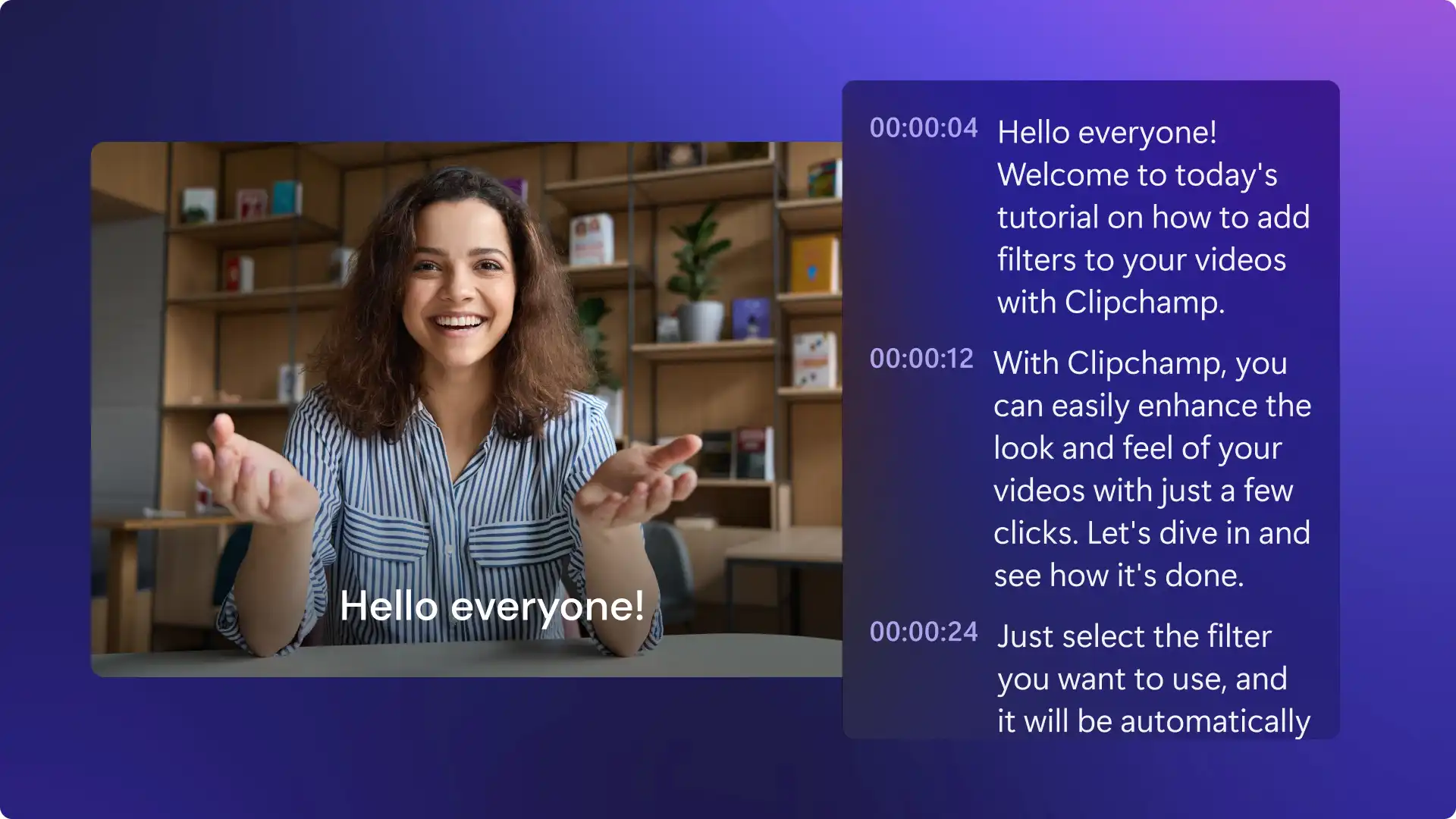
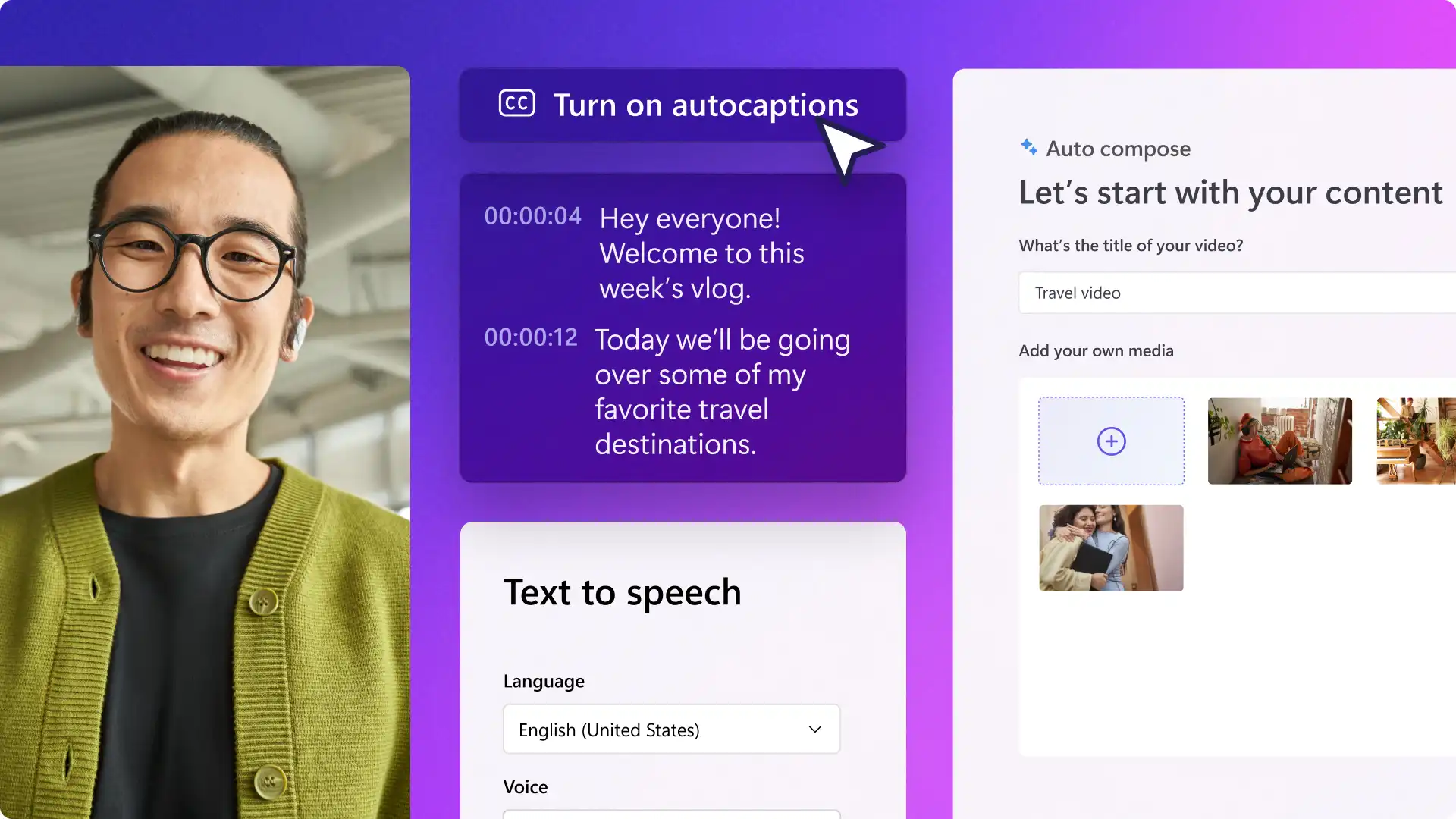
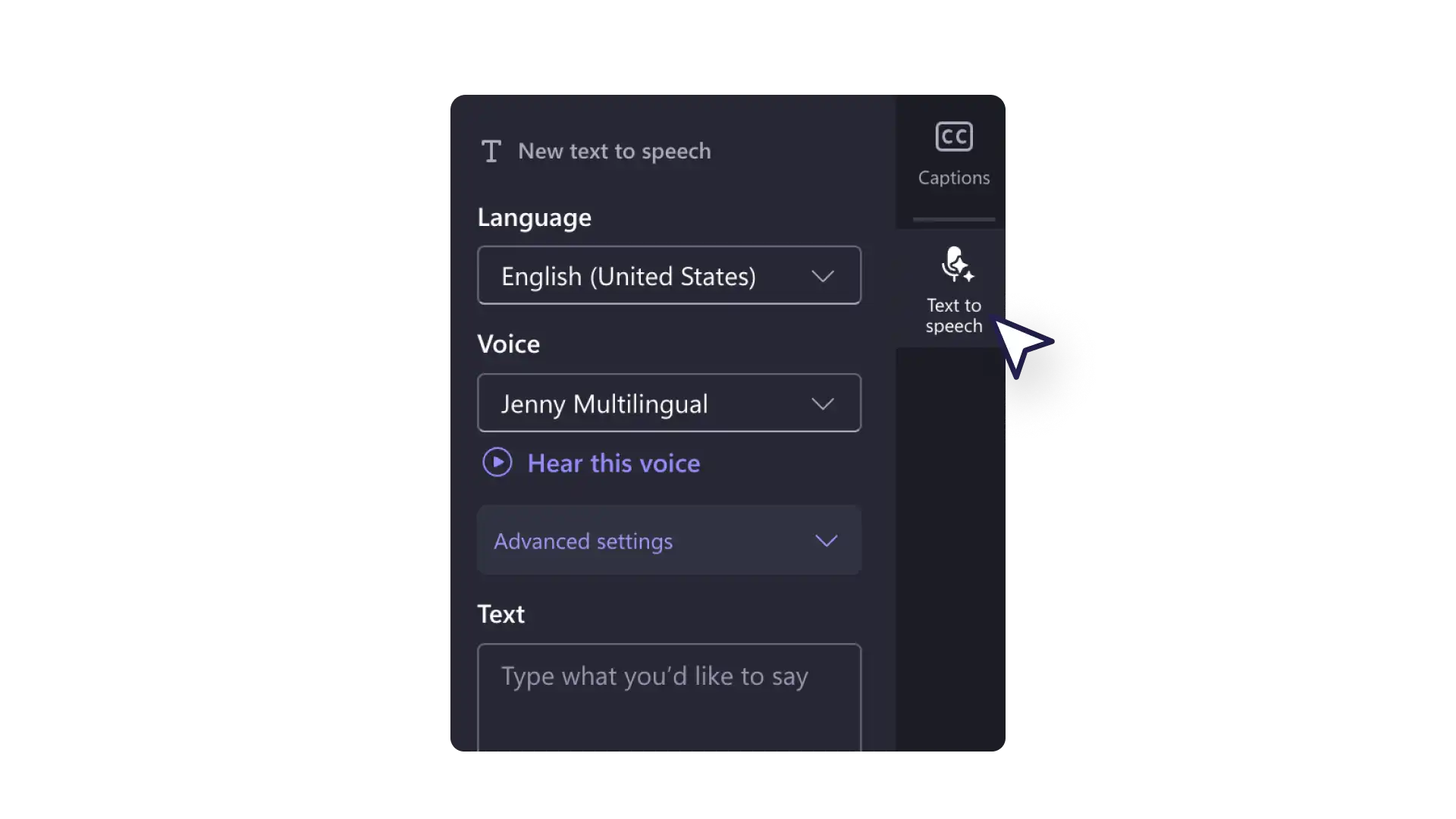
Generate polished AI videos with Clipchamp. Choose from 400 lifelike AI voices to narrate YouTube videos and generate AI subtitles with transcripts. Automatically cut out silences from camera recordings and remove outdoor noises.
From lifestyle, gaming, travel, or comedy, make recognizable videos with creative YouTube intros and end screen templates.
Turn viewers into subscribers with timely animated like and subscribe graphics and popup social media handles.
Enhance videos with royalty-free background music like lo-fi, jazz, pop, and more to make cinematic vlogs and montages.
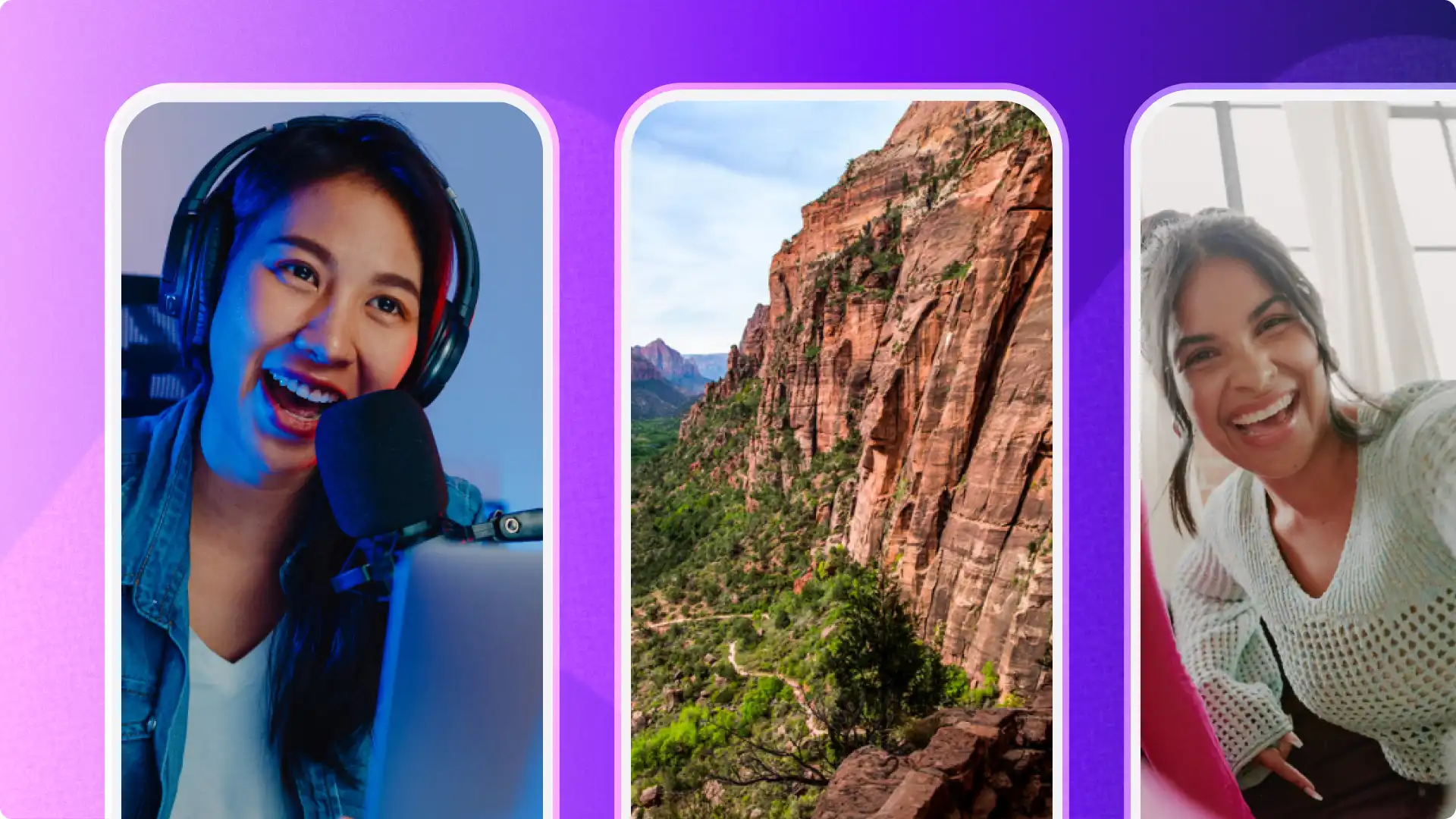
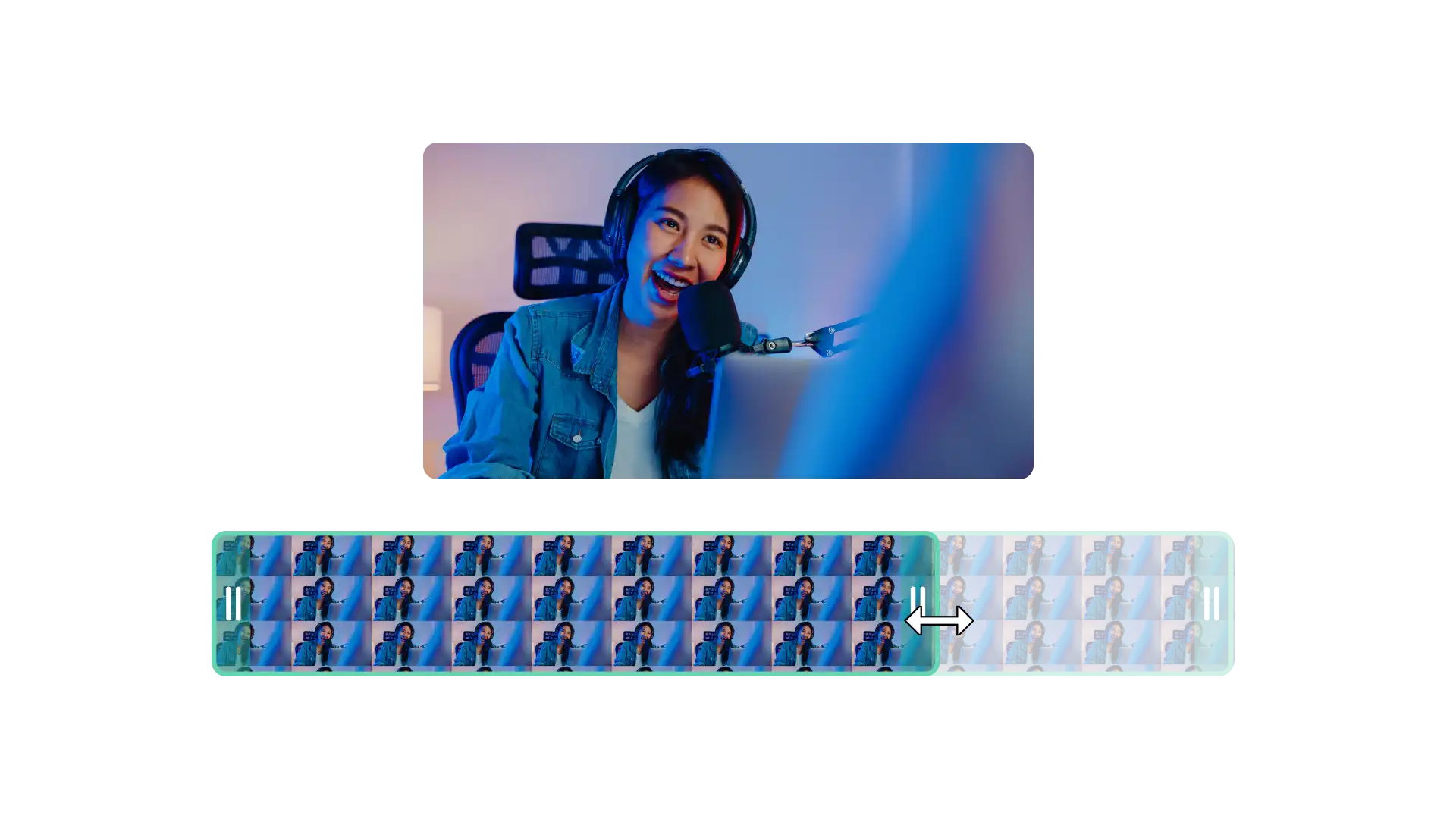
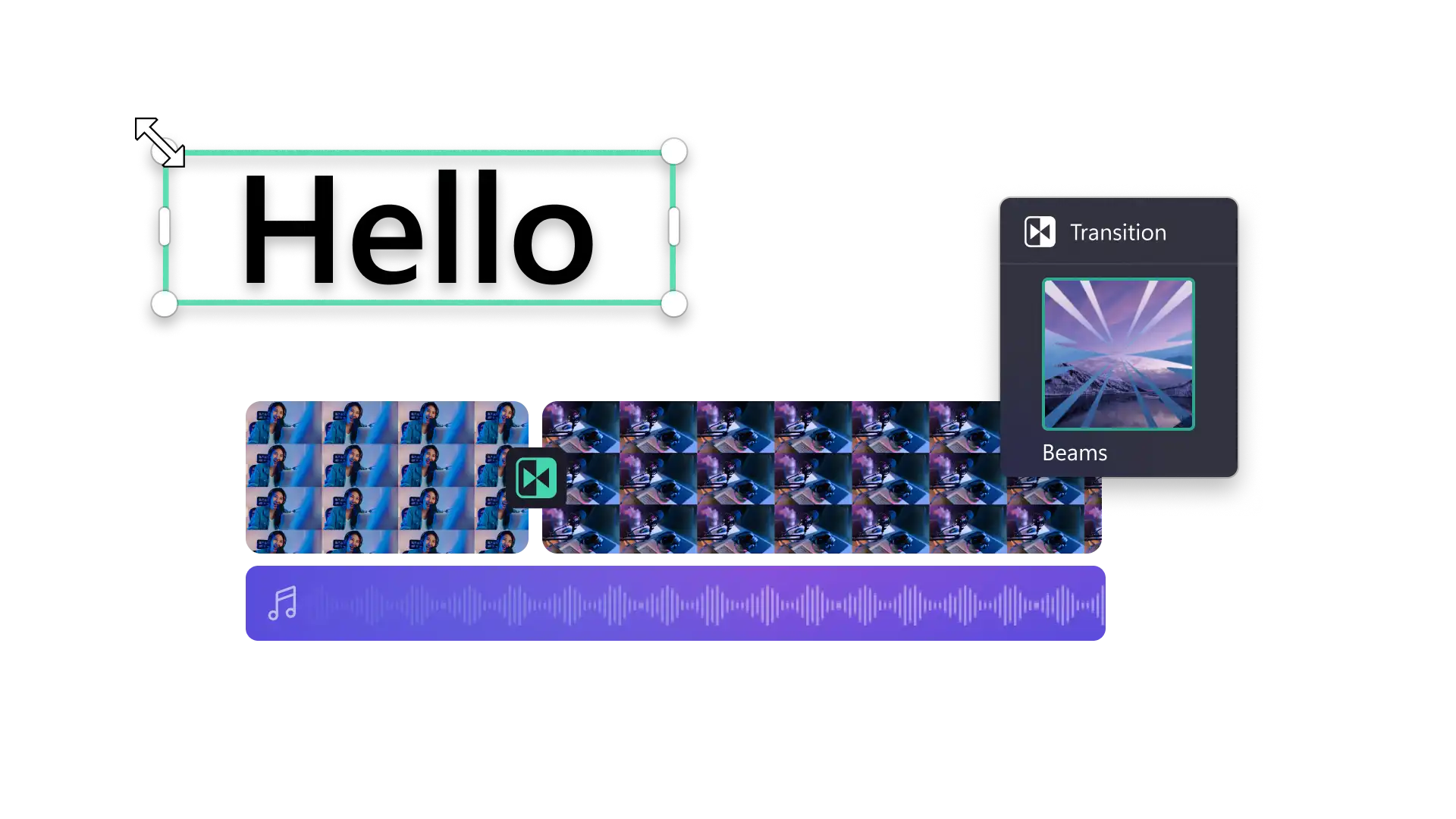
Create engaging long-form videos on a multi-track timeline with intuitive drag-and-drop editing, transitions, and video effects.
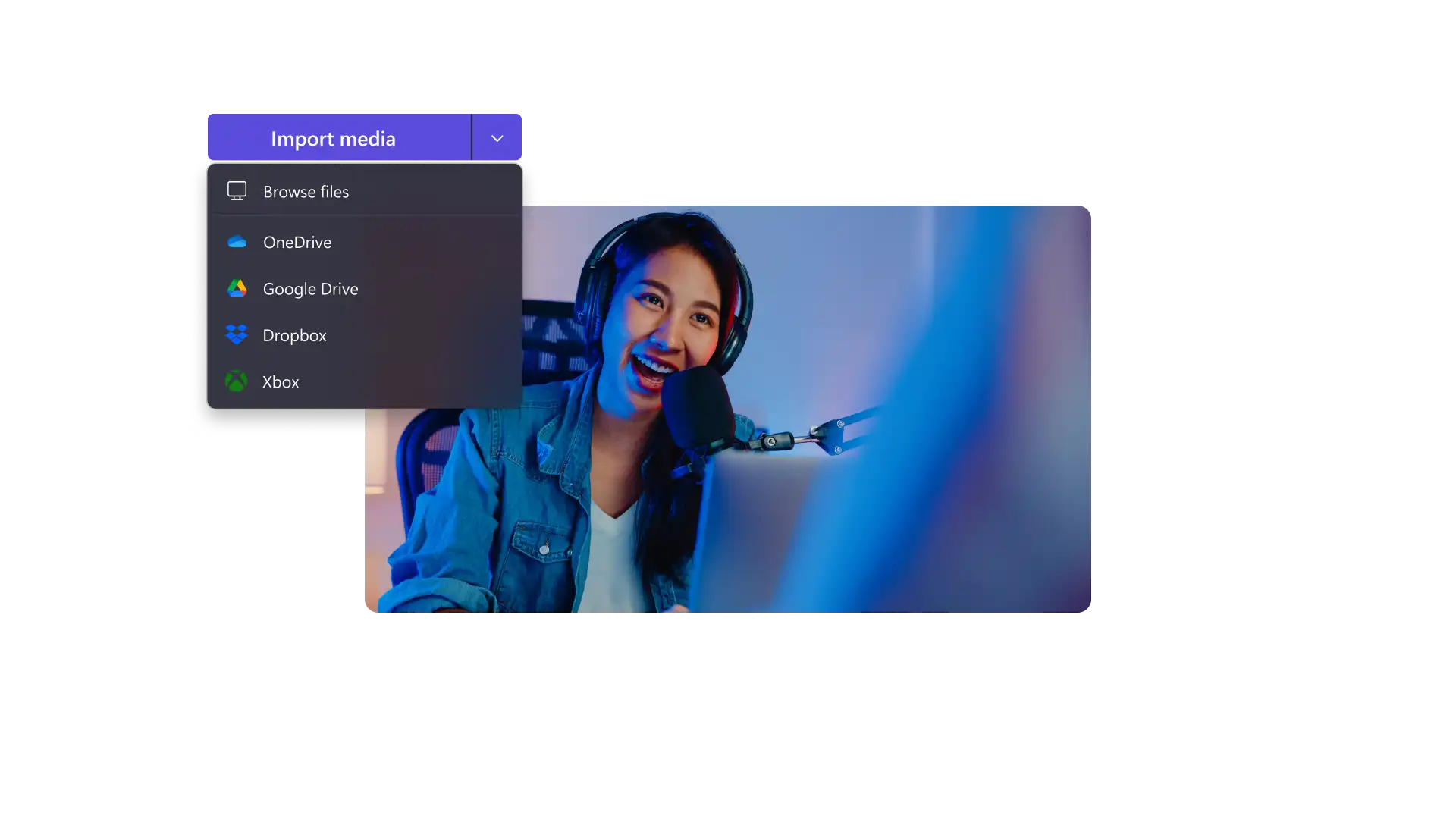
Make reaction videos, tutorials, and product reviews by recording webcam and adding overlays.
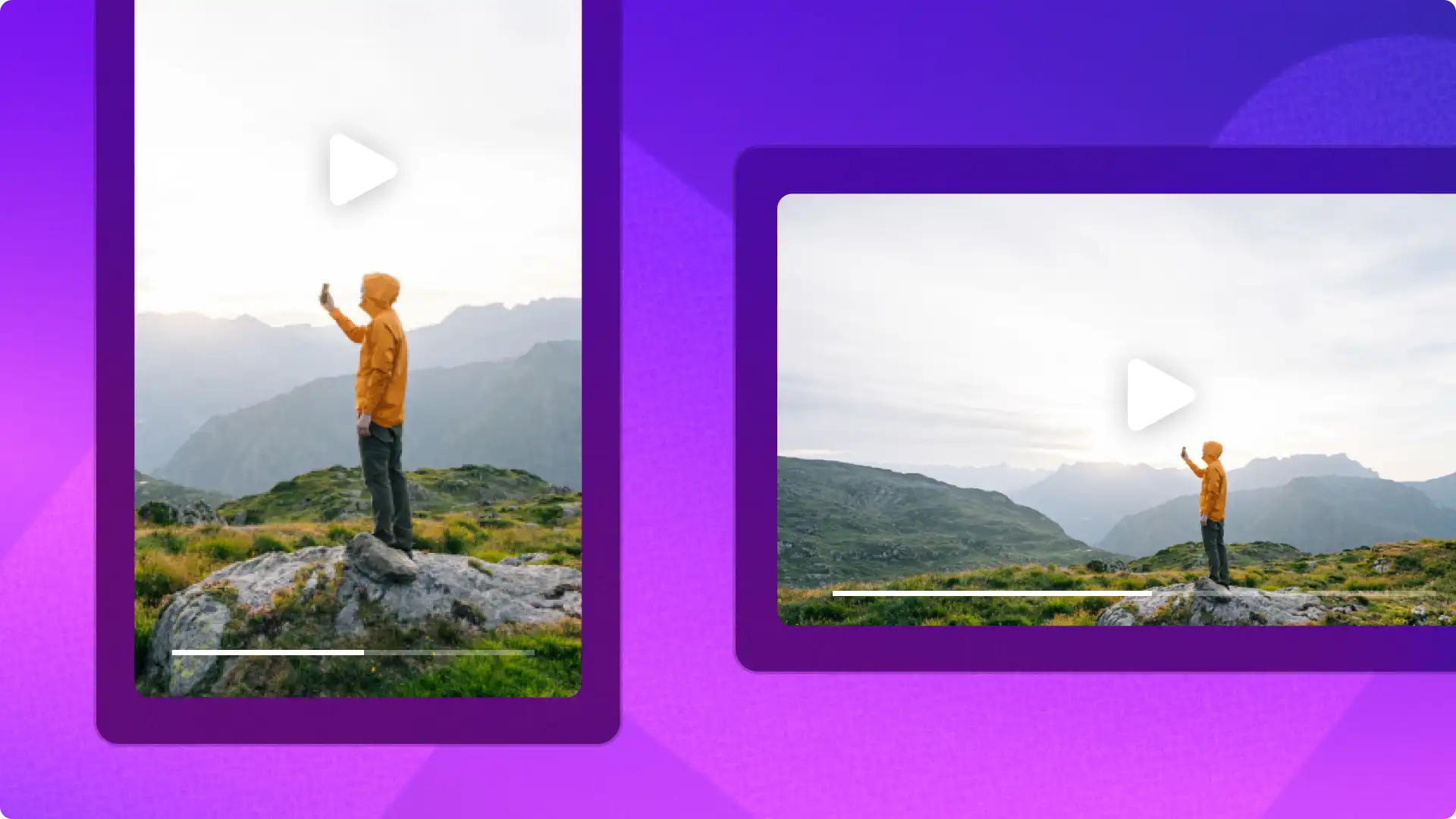
Resize long videos into engaging Shorts using the size button shortcut or create unique Shorts with ready-to-use templates.
Clean up talking head footage and audio quality by removing pauses or silences in a click with AI auto cut.
Make AI voiceovers and accessible subtitles in any language for travel videos, documentaries, recipe videos, and more.
Create faceless AI YouTube videos confidently with no copyright issues using royalty-free cinematic stock media.
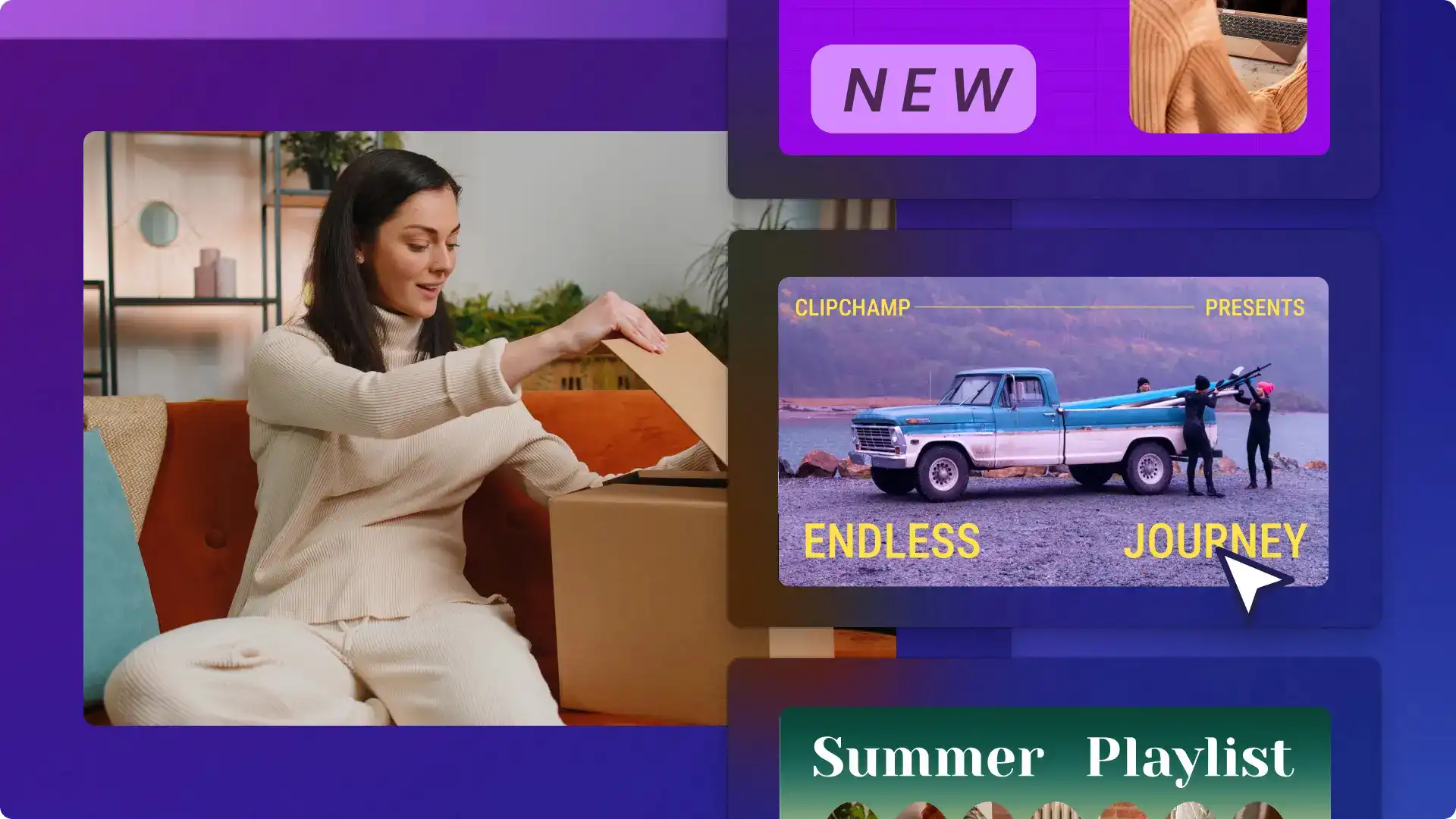
Try ready-to-use intro and outro templates designed to grab attention.
Create YouTube Shorts using vertical video templates built for mobile-first viewing.
Access a library of royalty-free stock media, or generate AI video assets with Microsoft Copilot and edit inside Clipchamp.

Clipchamp works on Microsoft Edge and Google Chrome on desktop. Make sure to update the browser to the latest version for the best editing experience.
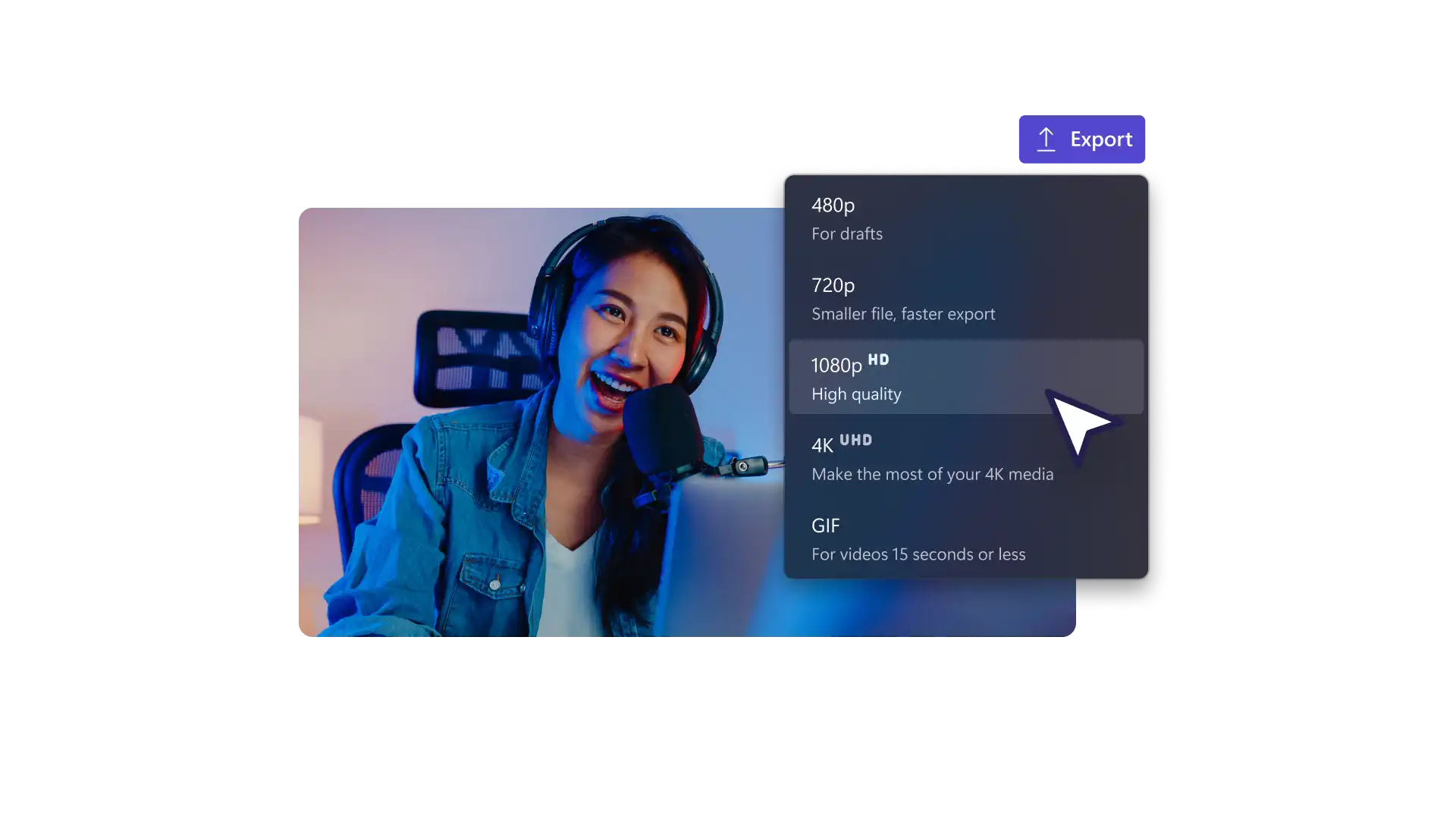
Export videos in 1080p HD video resolution for free in Clipchamp video editor and with no watermark on the free plan. Explore 4K video exports for Clipchamp premium subscribers.
Only one video can be uploaded to YouTube at a time from the Clipchamp export page. There is no limit on how many videos can be uploaded to YouTube from a Clipchamp account, even on the free plan.
The content library in the Clipchamp video editor contains royalty-free and copyright-free stock music that is available to users on the free plan. Upgrade to a premium account to access the premium content library.
Make short videos for YouTube using the recording tools and video templates in the Clipchamp video editor.